Business Safety Guide: 10 Expert Security Camera Tips
April 3, 2026
Summary: Security cameras are more than just recording devices. When properly installed and used, they can be effective in preventing theft, enhancing security, and shedding light during an event. This article will provide ten helpful tips on security cameras, discuss the components of business security camera system, describe the types of video security hardware, and outline the key features of a security camera system.
The security cameras you currently own show operational status, but you need to decide whether they provide actual security benefits or simply record activities without taking action. Security cameras provide capabilities that extend beyond their basic function of monitoring events. The security system provides active theft protection together with safety measures for employees and customers through its proper design and installation process.
This guide is more than just a tutorial on how to install cameras. It highlights how businesses can utilize their video surveillance systems to develop protective strategies for their business. The application of best practices through strategic planning allows you to leverage your video into operational intelligence that gives your business full visibility and security, since all aspects of your business security must be treated with priority and care.
What Are the Core Components of a Business Security Camera System?
Before selecting the devices, it is helpful to know what a comprehensive system entails. Effective surveillance requires more than just cameras.
A standard security camera system consists of the following:
Cameras: These are the ones that record the video. These can be chosen depending on the performance, range, and application.
Network Video Recorder: Depending on the system, this may be a DVR (digital video recorder) for analog cameras or an NVR (network video recorder) for digital IP cameras.
Video Management Software: A centralized platform that connects cameras, recording, and storage. It enables live viewing, playback, user access control, and alert management.
Storage: The video should be stored in a secure manner – either on-premises, in the cloud, or a mix of both.
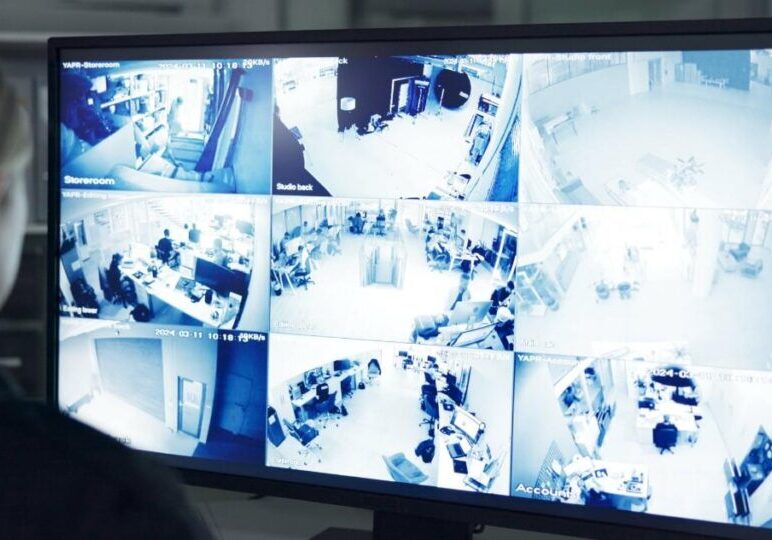
Monitoring Interface: Software or web-based interfaces that allow you to view the live and recorded video.
Power and Connectivity: This includes wired Ethernet, Wi-Fi, or PoE (Power over Ethernet) connectivity for guaranteed power and data transfer.
Each of these components provides the foundation for a surveillance system. A weak point in any of these areas can lower effectiveness or response capability.
Types of Video Security Hardware You Should Consider
Not all cameras are made equal. Selecting the right hardware will ensure your system records usable video in every necessary situation.
IP (Network) Cameras
IP cameras transmit video on your network and offer greater resolution and remote viewing. They are easier to expand and offer smart analytics.
Analog Cameras
Analog cameras connect to a DVR and are more budget-friendly for simple viewing applications. They still have a use case in less demanding areas.
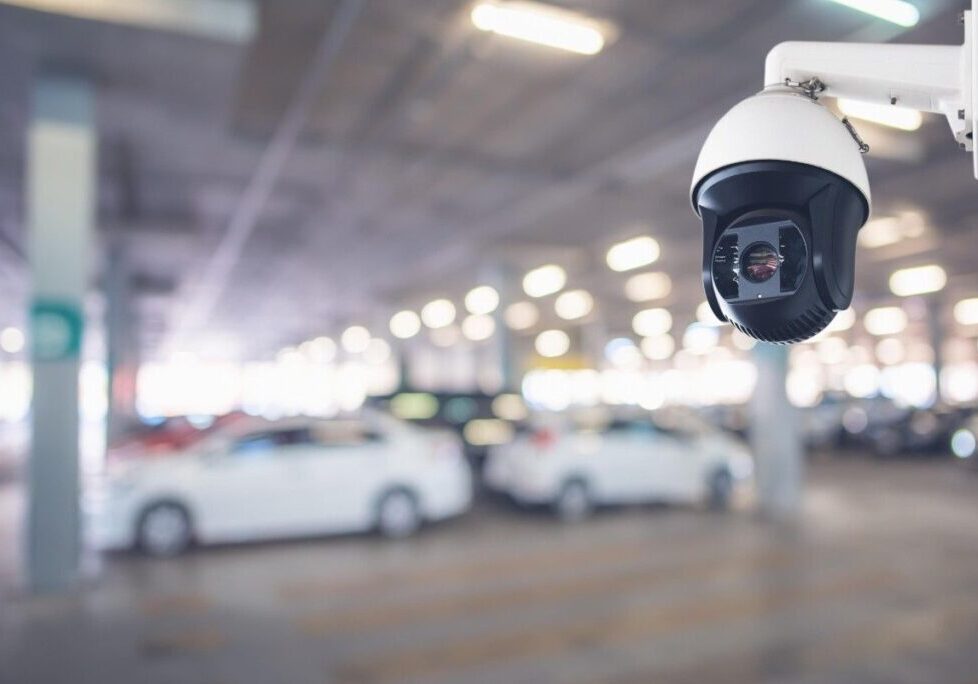
PTZ (Pan‑Tilt‑Zoom) Cameras
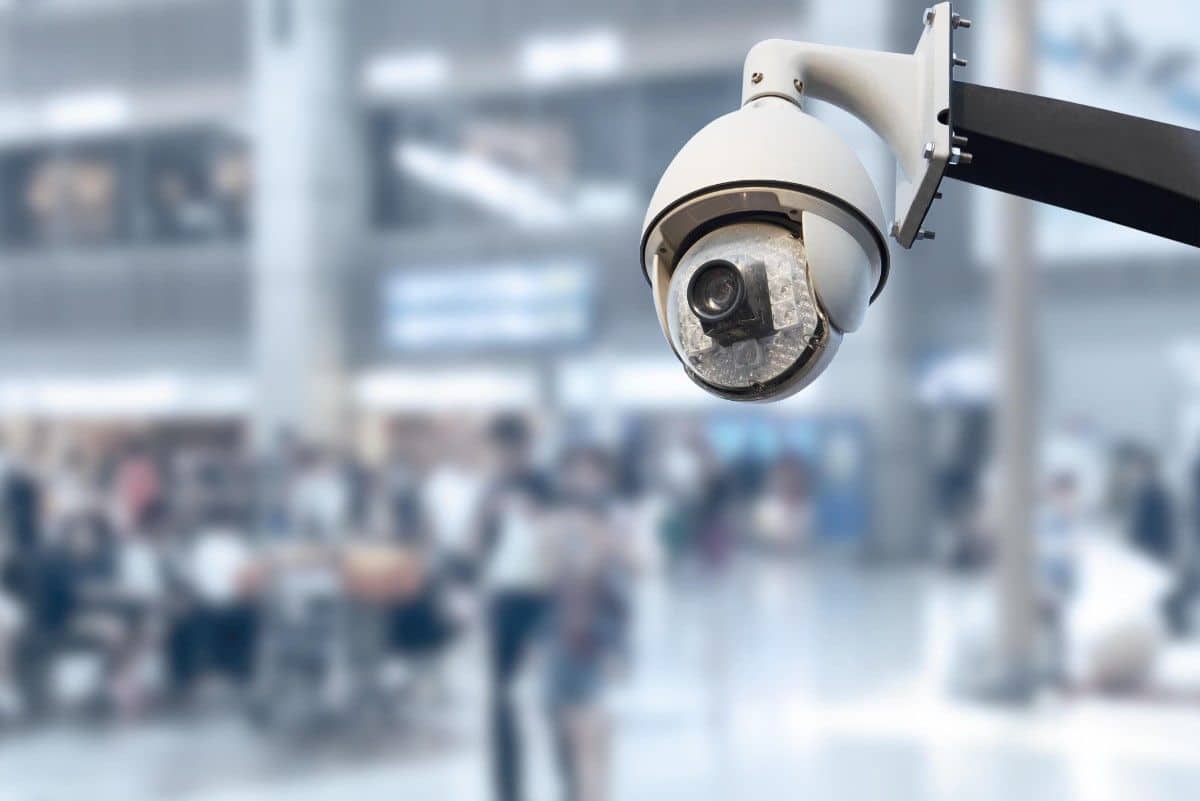
These allow viewers to control the angle of view and zoom in on activity. They are useful in larger areas where active viewing is required.
Multi‑Sensor and 360° Cameras
These are best suited for larger aisles or open floor plans, as they reduce the number of devices needed and simplify infrastructure. The camera housing can hold two to four lenses to cover a wide range of physical layouts.
Thermal and Low‑Light Cameras
In areas with low lighting, thermal or infrared cameras provide visibility in the dark or during obscured conditions.
Choosing the right hardware depends on your coverage needs, environment, and long‑term goals.
Business Security Camera Tips: Protect Your Business Smarter
Good surveillance is more than just setting up cameras. It involves understanding what elements of a business security camera system to use, choosing the right types of video security hardware, and emphasizing the most important elements of a security camera system that effectively safeguard your business. The following security camera tips will help you get the most out of your system while keeping your business in compliance and protected.
Security Camera Tip #1: Start With a Site Survey
The process begins with your identification of high-risk areas that include entrance points, loading zones, cash processing areas, vehicle parking areas, and employee asset protection areas. The threat assessment and camera patterns for use situations, which are present in the real world, become clear to you through the assistance of experienced professionals such as Resolute Partners.
Security Camera Tip #2: Use a Mix of Camera Types for Best Coverage
The most successful installations are those that incorporate more than one type of camera design.
Fixed cameras are used for major entrance coverage, while PTZ cameras allow observation of perimeters and larger areas. The best solution for wide walkways, hallways, and lobbies is multi-sensor cameras.
Security Camera Tip #3: Place Cameras Strategically, Not Everywhere
More is not always better. The aim should be to ensure coverage of critical areas. Strategic points for camera installation include locations that monitor foot traffic, access and egress, inventory areas, and potential emergency zones. Cameras should be installed at heights that are suitable for the intended coverage. Cameras installed too high often provide distorted or limited clarity of faces, making it difficult to capture clear images.
According to the study carried out by the U.S. Department of Justice, high-quality surveillance systems in high-risk locations offer better deterrent and operational capabilities than complete surveillance systems in low-risk locations.
Security Camera Tip #4: Make Sure You Have Adequate Lighting and Low‑Light Capability
Outdated or low-quality hardware will prevent the camera from functioning properly because its night vision capabilities will be impaired. The installation of night sensors and infrared lights or better lighting systems becomes essential for locations that experience poor visibility conditions. Modern cameras utilize automatic light adjustment technology to produce clear and sharp images throughout both daytime and nighttime hours.
Security Camera Tip #5: Ensure Remote Access and Secure Connectivity
The capability to access security camera systems from remote locations is one of the most critical components of business security camera system. You should be able to view your live and recorded video from your smartphone or secure web portal, no matter where you are in the world.
The challenge with remote access is that it is a security risk. Your video streams should be encrypted and authenticated. Public access to your video streams is a security risk that violates your fundamental operational principles.
Security Camera Tip #6: Maintain & Update Your System Regularly
The maintenance of the cameras should be done in a manner that suits the system, just like any other device. The lenses should be cleaned regularly, firmware should be kept up to date, security patches should be applied, and cameras should be realigned as needed.
Security Camera Tip #7: Train Staff on Use and Response Protocols
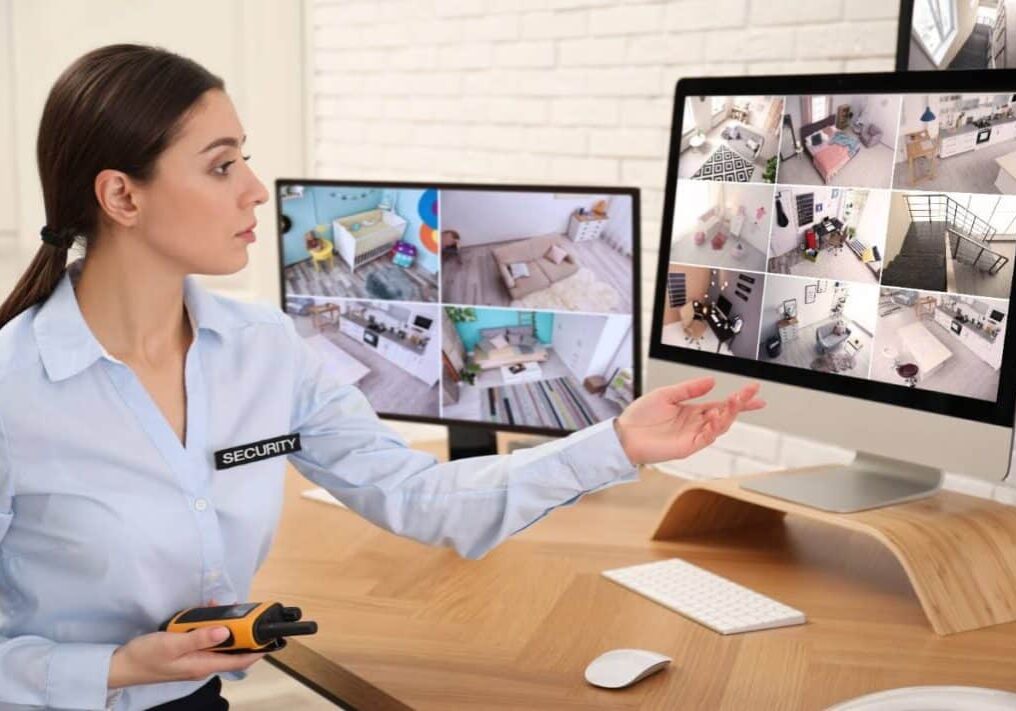
The camera becomes functional only when there exists a person who can operate its captured data. Your personnel need training to acquire the skills for proper footage analysis and immediate response to incoming alerts. Your security camera system will deliver actual security results when you establish proper operational procedures to protect your investment.
Security Camera Tip #8: Incorporate Analytics and Smart Alerts
Today’s security systems use advanced technology for detection and monitoring purposes. The system can identify movement and detect people who stay in one place while providing alerts for actual security dangers. The implementation of analytics helps you to remove false alarm occurrences while you receive critical information that saves your time and improves your team’s ability to address important matters.
Security Camera Tip #9: Consider After-Hours Remote Live Video Monitoring
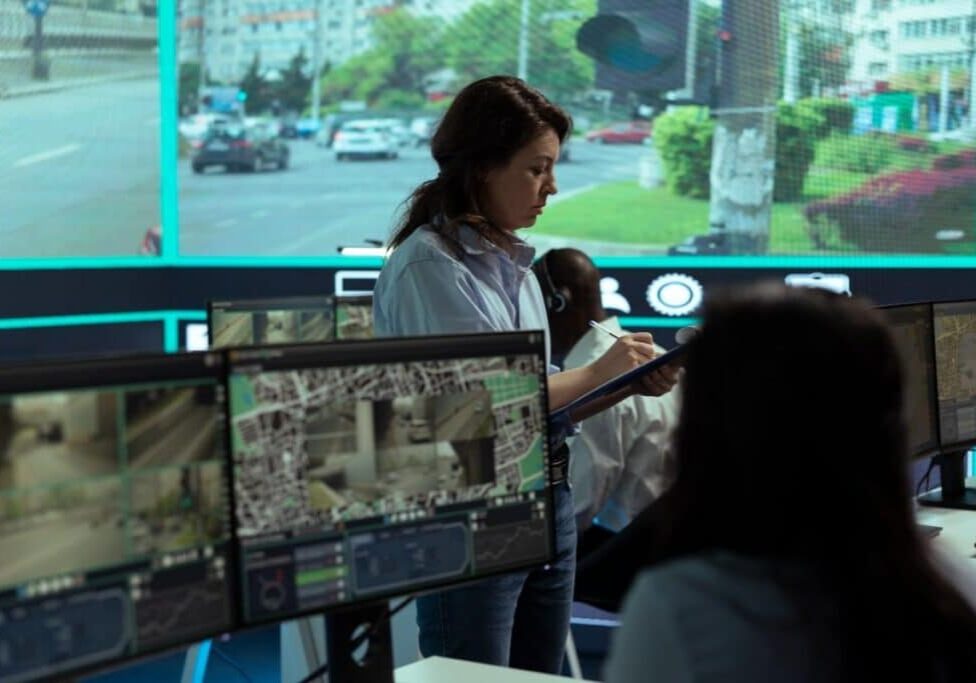
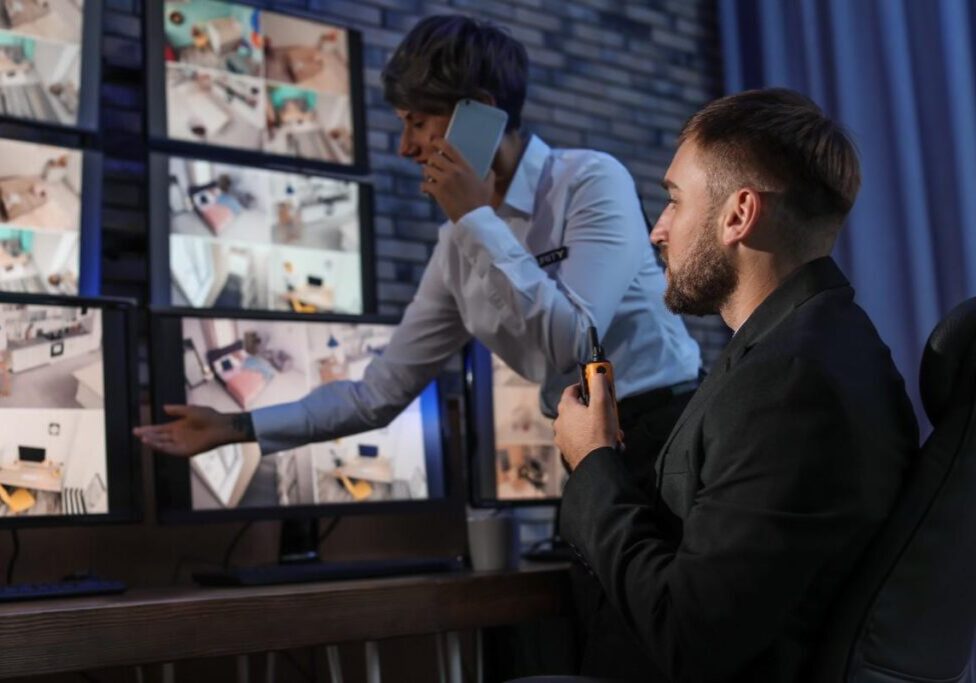
After business hours, your site becomes more vulnerable due to the absence of on-site staff. Remote live video monitoring adds an active layer of security by allowing trained professionals to observe activity in real time. This enables immediate verification of threats, faster response to incidents, and escalation to authorities when required. It also helps deter unauthorized access through visible intervention, such as audio warnings, before a situation escalates.
Security Camera Tip #10: Respect Privacy and Follow Compliance Standards
Cameras should never be placed in areas where individuals have a reasonable expectation of privacy, such as restrooms and break rooms. The video policy will deliver legally compliant direction through its established guidelines.
Conclusion: Effective Surveillance Is a Strategy, Not a Gadget
Security cameras are more than mere technology. They are a part of a more intelligent and effective security solution. When combined with strategic placement, regular maintenance, well-defined policies, and trained staff, they become a powerful tool for proactive prevention, asset protection, and enhanced situational awareness. It is not the camera itself that provides security, but the strategy it is a part of.
At Resolute Partners, we not only install security cameras. We evaluate your location to design tailored security systems that incorporate state-of-the-art analytics in accordance with industry standards. Your business can leverage video surveillance as a proactive security tool, which provides immediate operational awareness and decision-making intelligence.
Do not just install security cameras that are mere recorders. Create a comprehensive security strategy that benefits your business. Reach out to Resolute Partnerstoday to help you deploy a customized enterprise-class video security solution that not only improves security but also boosts efficiency and trust within your organization.
FAQs
Q1. What Are the Most Important Characteristics of a Security Camera Solution?
A1. The most important features of the security camera solution are the resolution and remote viewing, motion detection, night vision, secure data management, and expandable storage.
Q2. How Do I Decide Between a Wired and Wireless Security Camera Solution?
A2. Wireless security cameras offer installation flexibility, especially in difficult environments, while wired security cameras ensure reliable functionality and fast data transmission. Your choice depends on which one suits you better.
Q3. Can Security Cameras Help Lower My Insurance Rates?
A3. Yes, many insurance companies view high-quality surveillance as a means to lower premiums because it reduces risk and improves incident reporting.
Q4. How Long Should Video Footage Be Retained?
A4. Video retention policies vary based on company policies, legal requirements, and operational requirements, usually between 14 and 90 days.
Q5. What Is the Best Way to Ensure Employee Privacy?
A5. Camera zones should be clearly defined, private areas should not be recorded, policies should be openly communicated, and your security solution should comply with privacy laws.
Michael S. Blanco is the Chief Executive Officer and Co-Founder of Resolute Partners, LLC, where he leads strategic initiatives across various divisions. After owning family entertainment centers in New England, he co-founded Resolute Partners in 1996, launching the first Internet cafés for the U.S. Navy and partnering with AT&T for global deployment. A pioneer in wireless communications, Michael has expanded the company’s focus to include Energy Management/IoT, Cybersecurity, and Managed Video Security. He holds a degree from the Rochester Institute of Technology.
Subscribe for latest news, protection tips, special offers, and more!
Thank you for Signing Up
Live Video Monitoring
Our trained video security surveillance monitoring professionals can quickly spot suspicious activity captured by business security cameras. We review live video to determine if criminal behavior is suspected.