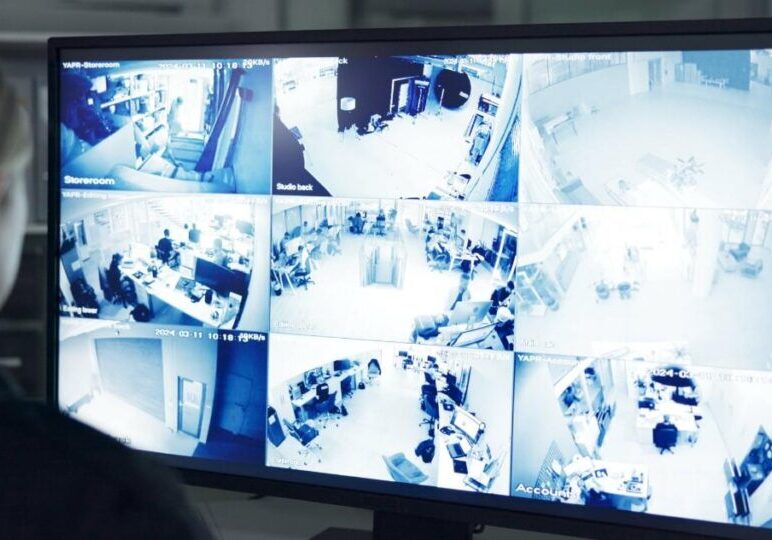
Summary: Video surveillance in schools is now standard, with 95% of U.S. public schools using cameras. They support entrance visibility, incident investigation, and after-hours awareness, but can’t replace controlled entry, trained staff, or emergency plans, cameras work best as one part of a broader safety program.
Video surveillance in schools is now common in schools, especially at entrances, hallways, parking lots, bus loops, and common areas. They can help staff see what happened, verify alerts, and respond with better information. But cameras also raise important questions about privacy, data access, maintenance, and student trust.
The National Center for Education Statistics reported that 95% of U.S. public schools used one or more security cameras during the 2022–23 school year. In the same period, 97% controlled access to school buildings during school hours. These numbers reflect just how mainstream video surveillance in schools has become over the past decade.
The key is not installing cameras everywhere. It is using them where they address a specific safety need and supporting them with clear policies, trained staff, controlled entry, and a documented response plan.
Quick Answer: Are Security Cameras Good For Schools?
Security cameras can improve visibility at entrances, parking areas, hallways, bus loops, common spaces, and campus perimeters. Video surveillance in schools can support incident investigations, after-hours awareness, visitor oversight, and emergency response.
They are not a complete safety solution. A camera cannot lock a door, screen visitors, de-escalate a conflict, or replace trained staff. Schools get the most value when cameras are part of a wider safety plan.
School Security Camera Statistics
Security cameras have become one of the most widely used school-safety tools in the United States. The adoption numbers below trace how quickly video surveillance in schools moved from uncommon to standard practice.
| School Camera Statistic | What It Means |
|---|---|
| 95% of public schools used one or more security cameras in 2022–23 | Cameras are now standard on most U.S. public-school campuses |
| 97% of public schools controlled access to their buildings during school hours in 2022–23 | Cameras are usually one part of a layered entry-security approach |
| 61% of public schools used cameras in 2009–10 | School camera adoption has risen sharply over time |
| 93% of public schools used cameras in 2021–22 | Camera use was already widespread before the latest NCES data |
These figures show adoption, not proof that every school camera system is monitored, properly maintained, or equally effective.
Pros And Cons Of Video Surveillance In Schools
| Potential Benefits | Potential Drawbacks |
|---|---|
| Cameras can help deter trespassing, vandalism, theft, and some misconduct in visible areas | Students, parents, and employees may have privacy concerns |
| Video can help staff see activity at entrances, hallways, parking lots, and bus loops | Cameras do not prevent every incident |
| Footage can support investigations into fights, theft, property damage, and visitor incidents | Schools need rules for who can view, save, export, or share footage |
| Video can give staff and responders context during a verified emergency | Systems need ongoing maintenance, storage, training, and cybersecurity |
| Cameras can improve after-hours visibility at buildings and athletic facilities | Poor camera placement can create blind spots or produce unusable footage |
| Recorded footage can help resolve conflicting accounts of an incident | Excessive surveillance can affect student trust and school climate |
| Cameras can support traffic and facility reviews | AI alerts may be inaccurate and should be reviewed by people before action is taken |
Cameras are useful when schools know exactly what they are trying to protect and have a clear plan for using the information cameras provide.
When School Cameras Help And When They Do Not
Weighing where video surveillance in schools genuinely helps, and where it can’t substitute for staff and policy, is the core of a realistic camera strategy.
| Situation | Cameras Can Help By | Cameras Cannot Replace |
|---|---|---|
| Unauthorized Entry | Showing activity at doors, gates, and perimeter approaches | Locked doors, visitor screening, access control, and staff response |
| Theft or Vandalism | Providing time-stamped footage and an incident timeline | Secure storage, supervision, lighting, and maintenance |
| Fights or Disputes | Helping staff investigate what happened and where | Student support, adult supervision, de-escalation training, and fair discipline policies |
| Parking and Bus-Loop Incidents | Showing vehicle movement and activity around drop-off areas | Traffic planning, crossing guards, and staff direction |
| After-Hours Trespassing | Detecting activity and supporting alarm or monitoring workflows | Perimeter protection, secure entry points, and emergency response |
| Emergency Response | Providing context about a verified event | Emergency plans, communication systems, drills, trained staff, and medical response |
A camera is a source of information. It is not a complete safety system on its own.
Benefits of Security Cameras in Schools
Most of the value from video surveillance in schools comes down to a handful of recurring benefits, outlined below.
Better visibility at entrances and campus edges
Schools often have more access points than staff can watch at the same time. Cameras can help administrators and security teams monitor the places where students, employees, visitors, vendors, and vehicles enter the property.
- Useful locations often include:
- Main entrances and visitor check-in areas
- Side doors and staff entrances
- Parking lots and garages
- Bus loops and student drop-off zones
- Athletic facilities
- Exterior walkways and gates
- Playground approaches
- Perimeter areas near fences and service roads
Cameras work best when they are paired with controlled access and visitor procedures. A camera can show who is at a door. It cannot decide whether that person should be allowed inside.
Faster incident verification
Video can help staff understand what is happening and where it is happening. For example, a camera may help verify an after-hours forced-door alert, clarify a parking-lot incident, or show whether activity near a restricted entrance needs immediate attention.
AI video surveillance can flag possible events such as after-hours movement, loitering, or intrusion-zone activity. However, people should review the video before making disciplinary, security, or emergency-response decisions.
Stronger evidence for investigations
Footage can provide a time-stamped record for incidents involving theft, vandalism, unauthorized entry, fights, visitor concerns, property damage, injuries, or missing equipment.
Video does not always show the full story, but it can help schools establish a timeline and compare different accounts fairly. Districts should have clear procedures for preserving, reviewing, and sharing footage.
Deterrence in High-Risk Areas
Visible cameras may deter some opportunistic misconduct, especially at entrances, parking lots, exterior doors, storage areas, and after-hours facilities.
Cameras do not guarantee prevention. Their deterrent value is stronger when they are well placed, clearly maintained, and supported by real response procedures.
After-Hours Campus Awareness
Schools are often less staffed during evenings, weekends, holidays, and breaks. Video can help identify trespassing, forced-door activity, vandalism, suspicious vehicles, or unauthorized use of facilities.
Some schools connect video with intrusion alarms, access-control events, or live monitoring. With a live video monitoring model, trained professionals can review selected alerts and follow the school’s agreed escalation procedures. Resolute’s model combines AI-assisted detection with U.S.-based monitoring professionals who verify alerts before acting under established response workflows.
Operational Support
Video can also help schools review everyday operations, including:
- Arrival and dismissal traffic
- Bus-loop congestion
- Delivery and maintenance access
- Parking-lot activity
- Athletic-event entry
- Facility use after school hours
- Emergency drill and evacuation routes
Concerns and Limitations of Video Surveillance In Schools
Privacy and Student Trust
Schools should be clear about where cameras are installed, why they are used, whether audio is recorded, who can access video, and how long recordings are kept.
Cameras should never be installed in bathrooms, locker rooms, changing areas, or similar spaces where people have a reasonable expectation of privacy.
Cameras Are Not a Complete Safety Plan
Video surveillance in schools can support safety, but it cannot replace:
- Controlled entry and visitor screening
- Staff training
- Emergency communications and drills
- Student support and mental-health resources
- Threat-assessment processes
- Adult supervision
- Building maintenance and secure doors
- Clear incident-reporting procedures
Cameras are one source of information, not a substitute for a well-run school-safety program.
Maintenance and Data Governance
A camera system only works if it is maintained. Schools should budget for repairs, software updates, secure storage, network capacity, camera-health checks, staff training, and cybersecurity. This maintenance burden is one of the most overlooked costs of running video surveillance in schools long-term.
They also need rules for who can view, export, retain, or share footage. Under FERPA, a video may be an education record when it is directly related to a student and maintained by the school or a party acting for the school. Footage created and maintained by a law-enforcement unit for law-enforcement purposes may be treated differently.
Do Schools Actually Check Security Cameras?
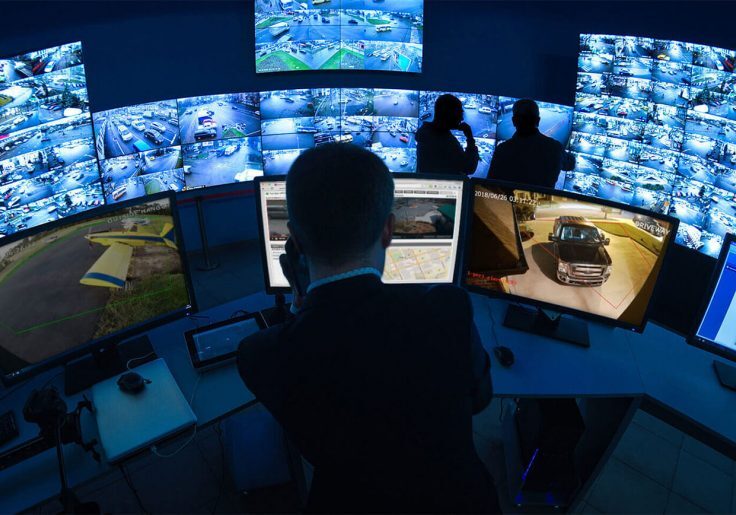
Some schools check footage only after an incident. Others have administrators or security staff monitor selected feeds, while some use alerts from cameras, alarms, or access-control systems to decide when to review video.
Most schools do not have someone watching every camera all day. A practical approach uses three layers:
- Recorded footage for investigation and review
- Alerts from alarms, door activity, staff reports, or analytics
- Human review and response for events that may need immediate action
For example, if an exterior door opens after hours, an integrated system can alert a designated contact and show the nearby camera feed. The school can then follow its response plan based on what is actually happening.
What Cameras Do Schools Use?
Schools usually use different camera types for different spaces. Camera selection is one of the more practical decisions in setting up video surveillance in schools, since the right type varies by location.
| Camera Type | Common School Use |
|---|---|
| Dome or Turret Cameras | Hallways, cafeterias, lobbies, offices, libraries, and interior common areas |
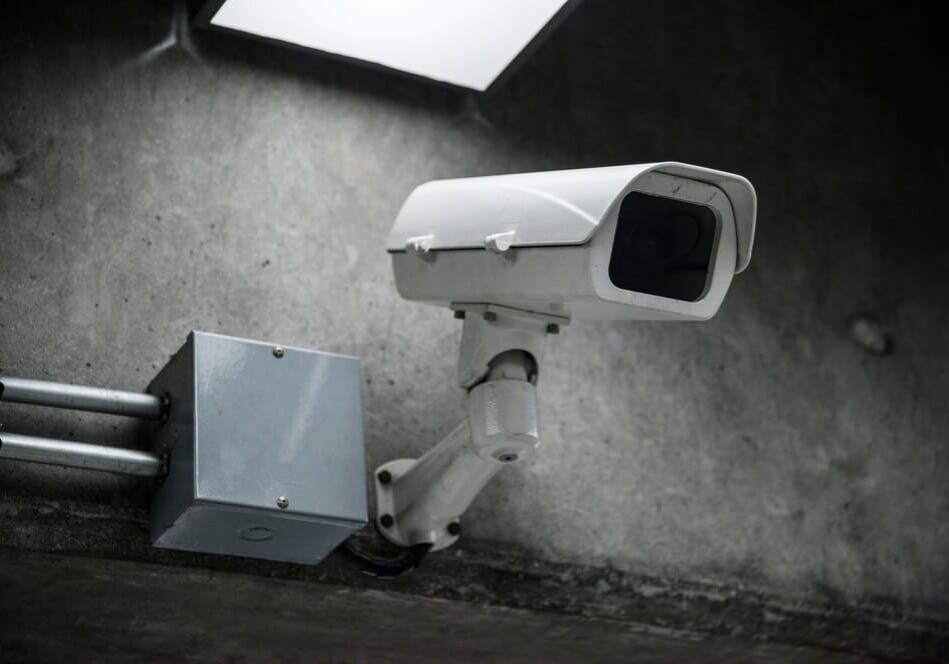
| Bullet Cameras | Exterior doors, parking lots, athletic areas, playground approaches, and perimeter zones |
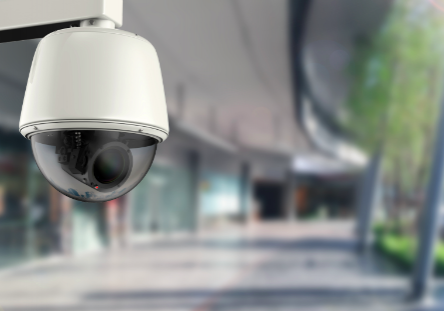
| PTZ Cameras | Large parking lots, stadiums, outdoor events, and broad campus grounds |
| Fisheye or Panoramic Cameras | Cafeterias, gyms, atriums, libraries, and wide indoor spaces |
| Low-Light or Infrared Cameras | Paths, parking areas, exterior doors, and after-hours coverage |
| LPR Cameras | Visitor lots, bus loops, vehicle gates, and parking entrances |
| Video Intercom Cameras | Main entries, gates, visitor check-in, and administrative reception |
The right mix depends on campus layout, lighting, entry patterns, blind spots, local requirements, and the school’s ability to respond to alerts. Commercial surveillance platforms can integrate video with access control, alarms, intercoms, cloud or hybrid recording, and centralized management.
Why Don’t Schools Put Cameras in Classrooms?
Many schools focus cameras on entrances, hallways, parking lots, bus loops, and common spaces rather than classrooms. Classrooms involve different concerns around student privacy, teacher workplace monitoring, education records, audio consent, and community trust.
Before putting cameras in classrooms, a district should be able to explain:
- The specific safety purpose
- Whether audio is recorded
- Who can access footage
- How long video is retained
- Whether recordings may be used for discipline or staff evaluation
- Which state and district policies apply
Requirements vary by state. In Texas, for example, statutes require video cameras in certain self-contained special-education classrooms under defined conditions. That does not create a nationwide requirement for classroom cameras.
Where Should Schools Install Security Cameras?
Placement is where the theory of video surveillance in schools meets practice — the wrong location can undermine an otherwise well-designed system.
- Main entrances and visitor check-in areas
- Secondary exterior doors and emergency exits
- Parking lots, garages, bus loops, and drop-off zones
- Hallways, stairwells, lobbies, cafeterias, and gyms
- Delivery, maintenance, storage, and equipment areas
- Athletic facilities and exterior walkways
- Gates, fences, and perimeter approaches
Avoid bathrooms, locker rooms, changing areas, and any other private spaces.
School Camera Policy Checklist
Before expanding video surveillance in schools, districts should have clear answers to these questions:
- What safety purpose does each camera serve?
- Which locations are monitored and excluded?
- Does any camera record audio?
- Who can view live and recorded video?
- How long is footage retained?
- Who may export or share recordings?
- How are parent, student, staff, and law-enforcement requests handled?
- How are camera accounts and cloud platforms secured?
- How are blind spots, blocked views, and offline cameras identified?
- Who verifies AI alerts before a response or disciplinary action?
- How will the district explain the policy to students, families, and employees?
Best Practices for Video Surveillance In Schools
- Start with a campus security and privacy assessment
- Define the purpose of every camera
- Prioritize entries, exits, visitor areas, parking, common spaces, and perimeter approaches
- Choose the right camera type for each setting
- Connect cameras with access control, alarms, intercoms, and emergency procedures where appropriate
- Create written rules for access, retention, sharing, and deletion
- Use strong authentication and limit access to authorized users
- Train administrators, staff, security teams, and IT personnel
- Communicate clearly with families, students, and employees
- Review camera health, lighting, coverage gaps, storage, and cybersecurity regularly
Build a More Proactive Video Surveillance In Schools Program
School cameras should do more than create footage to review after an incident. When designed and managed well, they can give staff better visibility at key entry points, support a response during a verified event, and provide useful evidence afterward.
Resolute Partners helps schools assess camera coverage, review existing infrastructure, and plan AI-assisted video surveillance in schools, cloud or hybrid recording, access-control integration, LPR, and live monitoring options. The objective is practical: give school teams reliable information when it matters.
Frequently Asked Questions About School Video Surveillance In Schools
1. Are Security Cameras Common in U.S. Schools?
Yes. NCES reported that 95% of public schools used one or more security cameras during the 2022–23 school year.
2. Do Schools Actually Check Security Cameras?
It depends on the school. Some review footage after an incident, while others monitor selected feeds or use alerts to prioritize review.
3. What Are the Benefits of Video Surveillance in Schools?
Benefits can include better visibility, support for investigations, after-hours awareness, deterrence in high-risk areas, emergency context, and operational insight.
4. What Are the Disadvantages of Security Cameras in Schools?
Potential drawbacks include privacy concerns, cost, maintenance needs, blind spots, data-governance challenges, false alerts, and the risk of relying on cameras instead of a broader safety plan.
5. Why Don’t Schools Put Cameras in Classrooms?
Classrooms raise additional privacy, student-record, teacher-monitoring, audio-consent, and trust concerns. District and state policies vary.
6. Can Schools Put Cameras in Bathrooms or Locker Rooms?
No. Cameras should not be installed in bathrooms, locker rooms, changing rooms, or similar private spaces.
7. How Long Should Schools Keep Security Camera Footage?
There is no universal national retention period. Schools should set retention rules based on district policy, storage capacity, investigation needs, records-management requirements, and applicable laws.
8. Do Video Surveillance in Schools Record All the Time?
Some cameras record continuously, while others record based on motion, schedules, alarms, access-control events, or configured analytics. The right approach depends on the area being monitored, retention needs, storage capacity, and the school’s security policy.
9. Can AI Cameras Identify Weapons or Threats at Schools?
Some AI-enabled systems can flag specific visual patterns or unusual activity, but the technology should not be treated as a guaranteed threat-detection tool. Schools should require human verification, test systems carefully, define response procedures, and evaluate privacy, accuracy, bias, and legal concerns before deployment.
10. Are Security Cameras Required in Schools?
There is no single federal rule requiring every U.S. school to install security cameras. Whether video surveillance in schools is mandatory is ultimately a state and district question, not a federal one. Requirements can vary by state, district, school type, funding program, and local safety policy. Many schools choose cameras as part of a broader security plan, but districts should confirm their obligations with state education agencies and legal counsel.
11. Can Schools Record Audio With Security Cameras?
Audio recording can involve stricter legal requirements than video recording. State wiretapping and consent laws vary, and schools should clearly disclose any audio capability, limit access, and obtain legal guidance before activating audio recording features.

Michael S. Blanco is the Chief Executive Officer and Co-Founder of Resolute Partners, LLC, where he leads strategic initiatives across various divisions. After owning family entertainment centers in New England, he co-founded Resolute Partners in 1996, launching the first Internet cafés for the U.S. Navy and partnering with AT&T for global deployment. A pioneer in wireless communications, Michael has expanded the company’s focus to include Energy Management/IoT, Cybersecurity, and Managed Video Security. He holds a degree from the Rochester Institute of Technology.

Stay up to date.
Subscribe for latest news, protection tips, special offers, and more!